Claude Code alone wasn't enough for vibe coding
For the first day or two, I only used Claude Code. You type instructions in the terminal, and it writes the code for you. As a non-developer, that's exactly how I started.
But the more I used it, the more friction I found. So I looked into other AI coding tools like Codex. But they had the same limitations. It was a limitation of CLI-based tools as a whole.
There was no structure for planning and direction
Why am I building this service? What features are needed? What order should things be done in?
Without that structure, I was giving Claude Code instructions on the fly. The result: low quality output and bugs that kept coming back.
And the more pages I added, the worse the consistency got.
I couldn't easily share screenshots
When you're vibe coding, you often need to say "this screen looks wrong."
But Claude Code runs in a CLI (terminal). You can't just show it an image.
You have to find the file path, copy it, paste it. For a non-developer, finding and passing image file paths is harder than it sounds.
Something that should be done by pasting one screenshot turned into: find the path, copy, paste, verify it's correct.
We already do this in ChatGPT and Perplexity. Paste an image, ask "what is this?" and you get an answer.
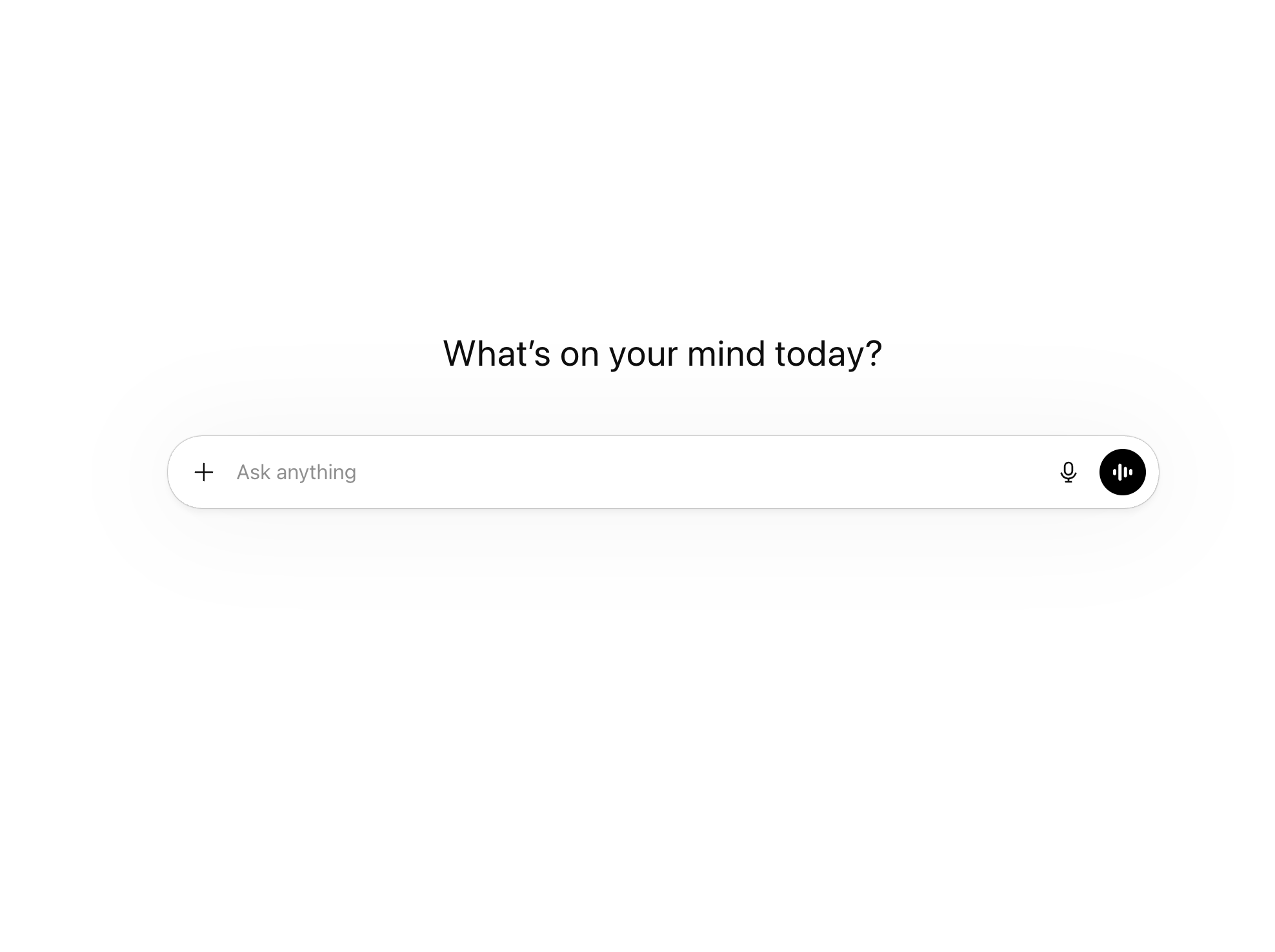
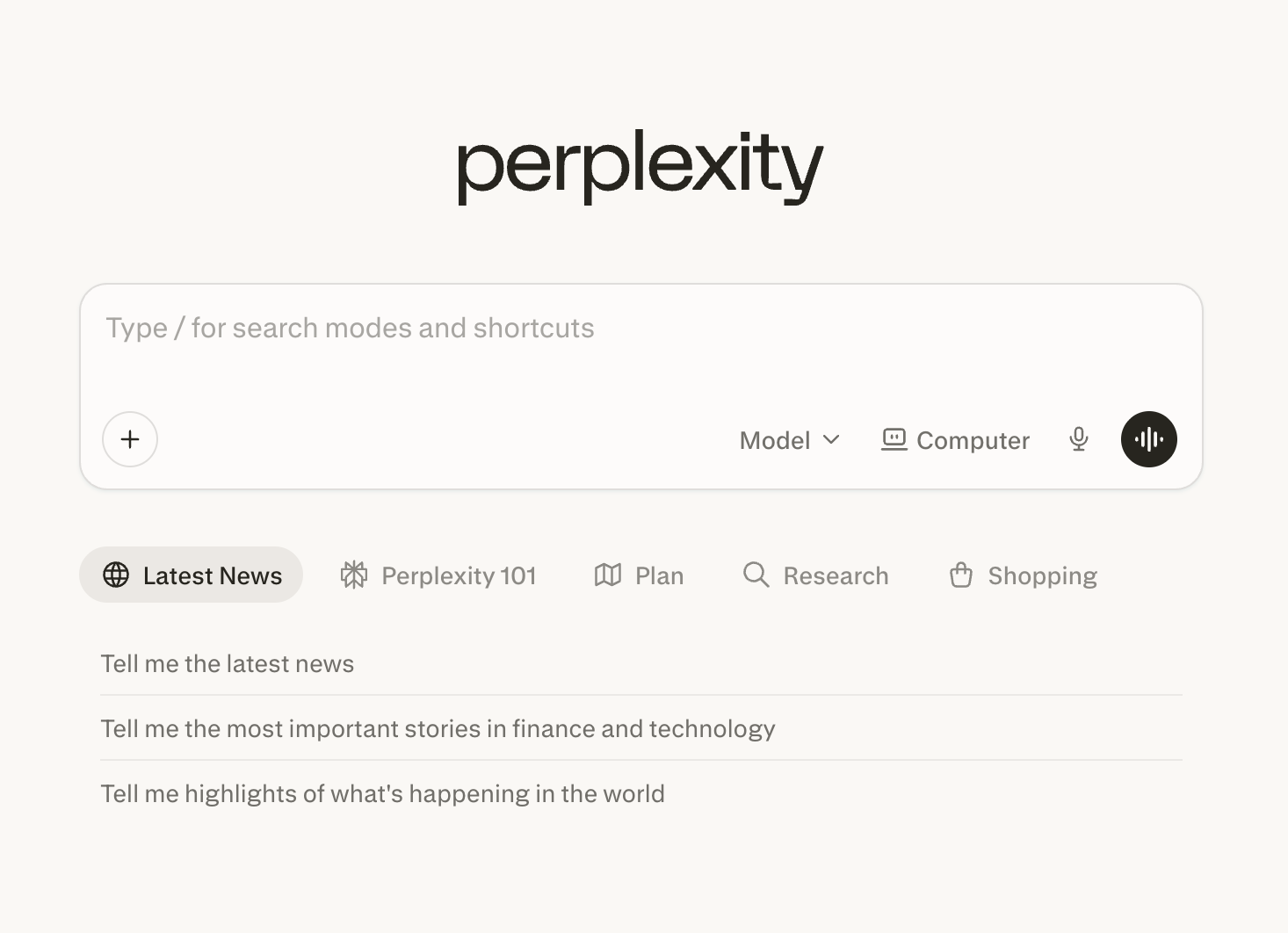
I wanted to do the same thing while vibe coding. Paste a screenshot, ask "why is this broken?" and get an answer. In Claude Code, I couldn't do that.
Writing and editing instructions was painful
When Claude Code gives you output, you always want to change something.
But editing long text in a CLI is rough. Scrolling is clumsy. Finding the part you want to fix takes time.
This was especially bad when writing blog posts. Getting a draft, adjusting the tone, refining sentences. Doing all of this in a terminal killed my productivity.
I needed a partner who understands non-developers
Claude Code is a development tool. It's great at writing code, but not ideal for having conversations from a non-developer's perspective.
When I asked "why does this look like this?" it would answer at the code level.
What I needed wasn't a code answer. I needed someone to say: "This looks off because of X. Tell Claude Code to fix it like this."
So I brought in Claude Cowork
These frustrations added up, and I started using Claude Cowork alongside Code. As a result, the two tools started catching each other's mistakes.
Here's how I use them now.
I plan and review in Claude Cowork. I execute in Claude Code.
If Cowork's plan is missing something, Code catches it while building. If Code's output has a problem, Cowork catches it while reviewing.
Using just one tool means mistakes slip through. Having two tools verify each other reduced my errors significantly.
For example: I write blog content in Cowork and create a DEV-REQUEST (development request document). I hand it to Code. Code runs it and catches things like "this file doesn't exist." The other way around: Code builds something, I check the result in Cowork with a screenshot, and catch "this layout ratio is broken."
My vibe coding workflow as a non-developer
Here's the summary.
Claude Code: execution (writes code, builds, deploys) Claude Cowork: planning + review (writes content, QA, strategy, image sharing)
If you're a non-developer trying to vibe code, one code-writing tool isn't enough. You need a partner who can help you figure out "why" and "is this right."
For me, that partner is Claude Cowork.
More from Vibe Coding Workflow
- Who said vibe coding is just click and done? (1)2026-03-18
- Claude Code alone wasn't enough for vibe coding2026-03-15