I never tested on Windows. Obviously.
In the last post, I shared that 82% of users bounced. Most left within 8 seconds.
I rebuilt the landing page. Added real app screenshot examples. Made it clear what you can create with appkit the moment you land.
A few days later, I opened GA4.
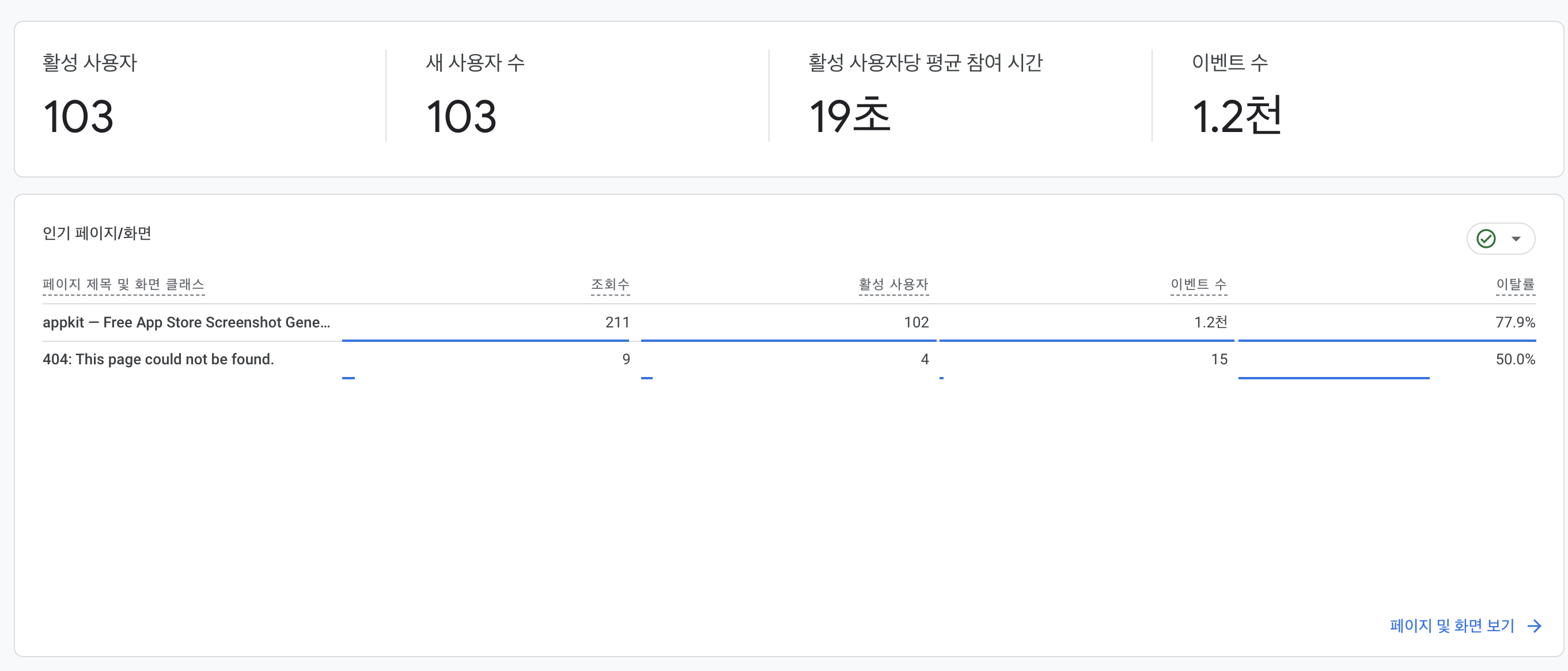
103 active users. 19 seconds average engagement. 77.9% bounce rate.
From 8 seconds to 19. From 82% to 77.9%.
A real improvement. The direction was right.
I was excited. I started checking what else I could improve.
Then I found a bigger problem.
I never opened it on Windows
I opened it on a Windows browser.
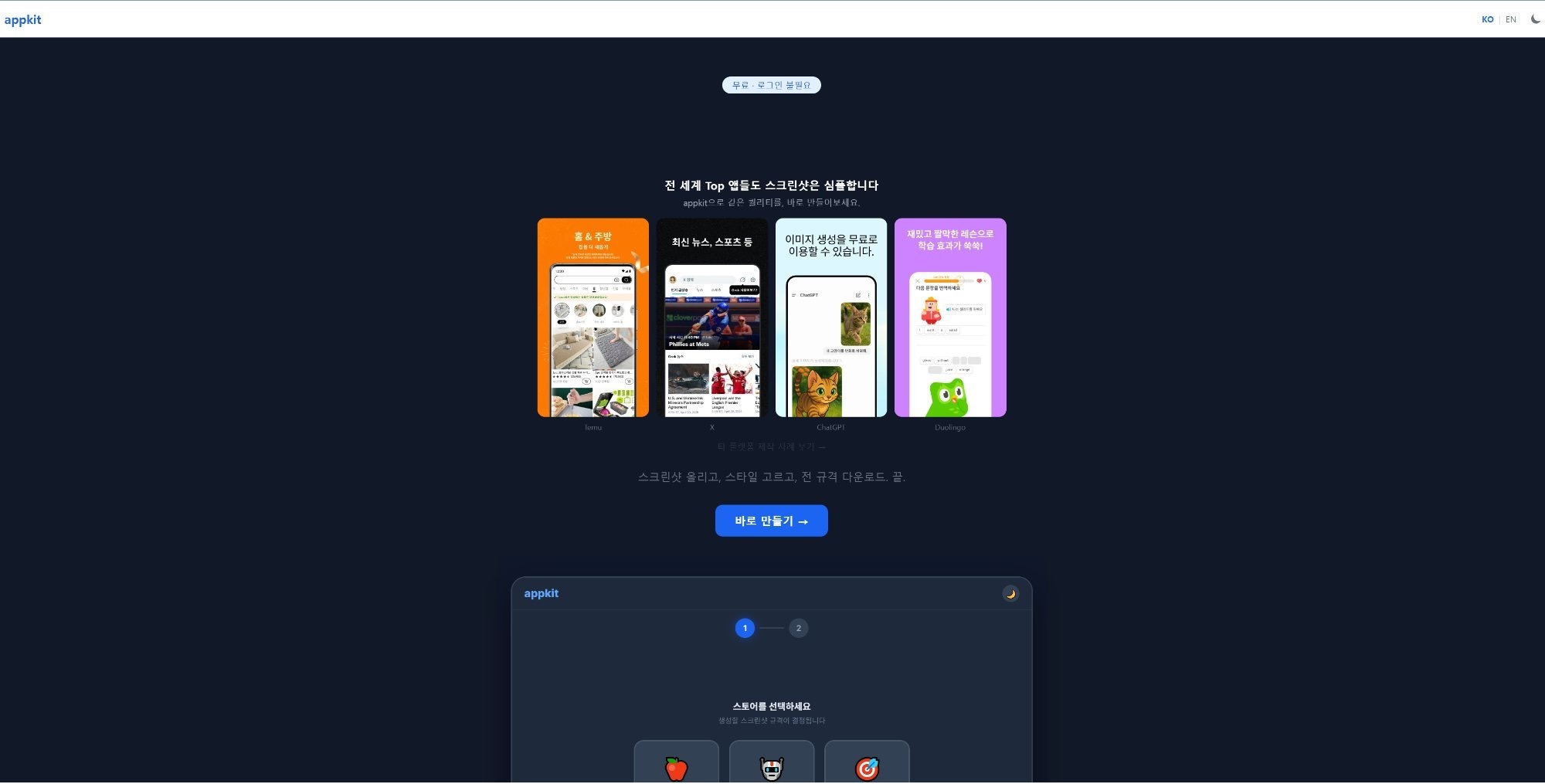
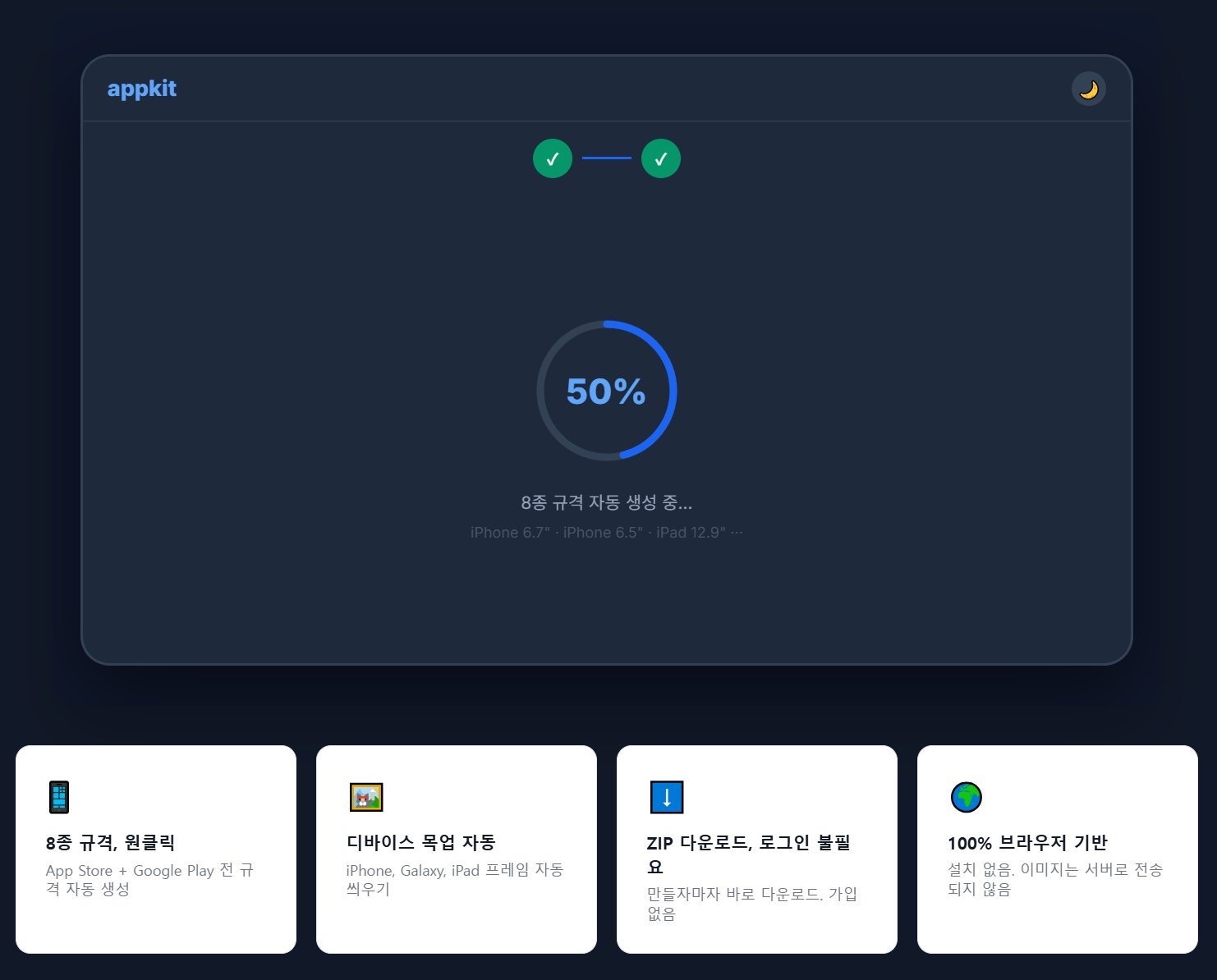
The landing page and generation screen looked fine.
But the editor broke.
The left upload panel was crushed. The center preview ratio was off. Fonts were broken. Dark mode rendered differently.
The editor, where users spend the most time, was the one that broke.
Mobile was worse
I opened it on my phone, half hoping it would be fine.
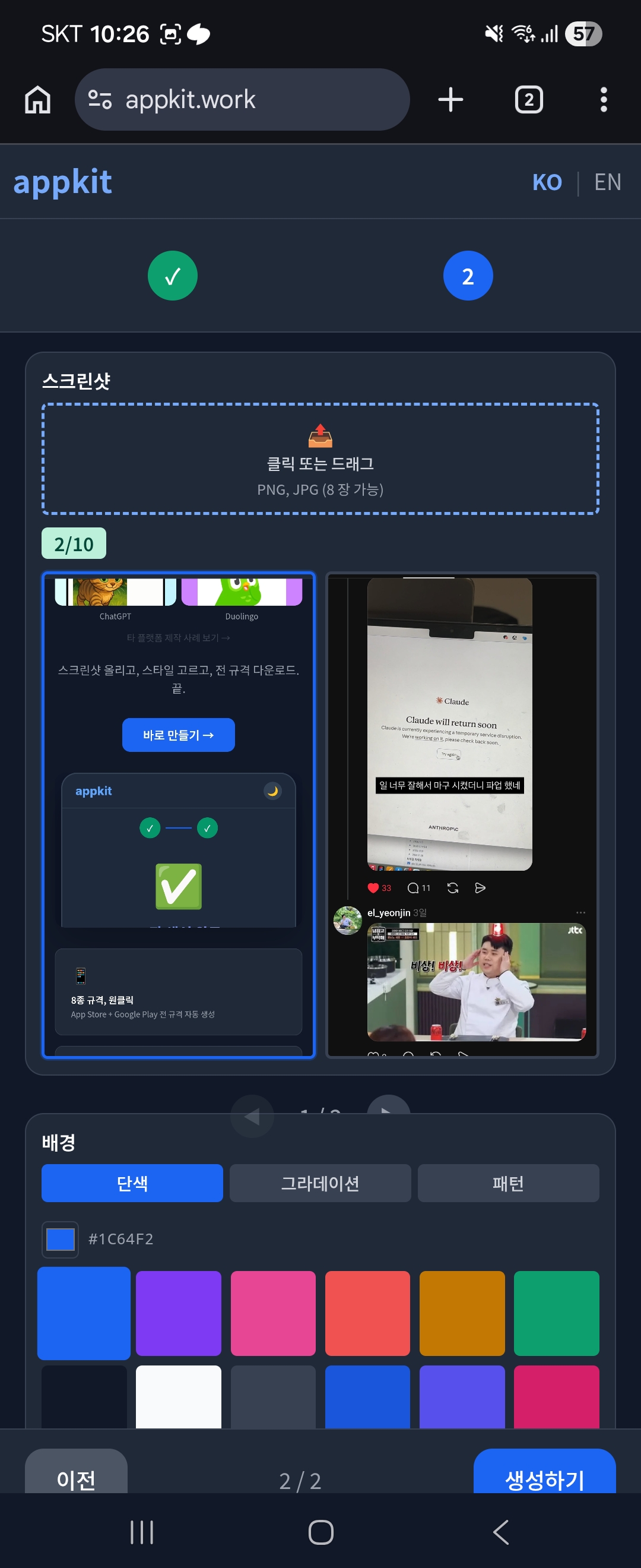
The 3-column editor layout was crammed into a mobile screen as-is. It was unusable.
The landing page demo section was broken too.
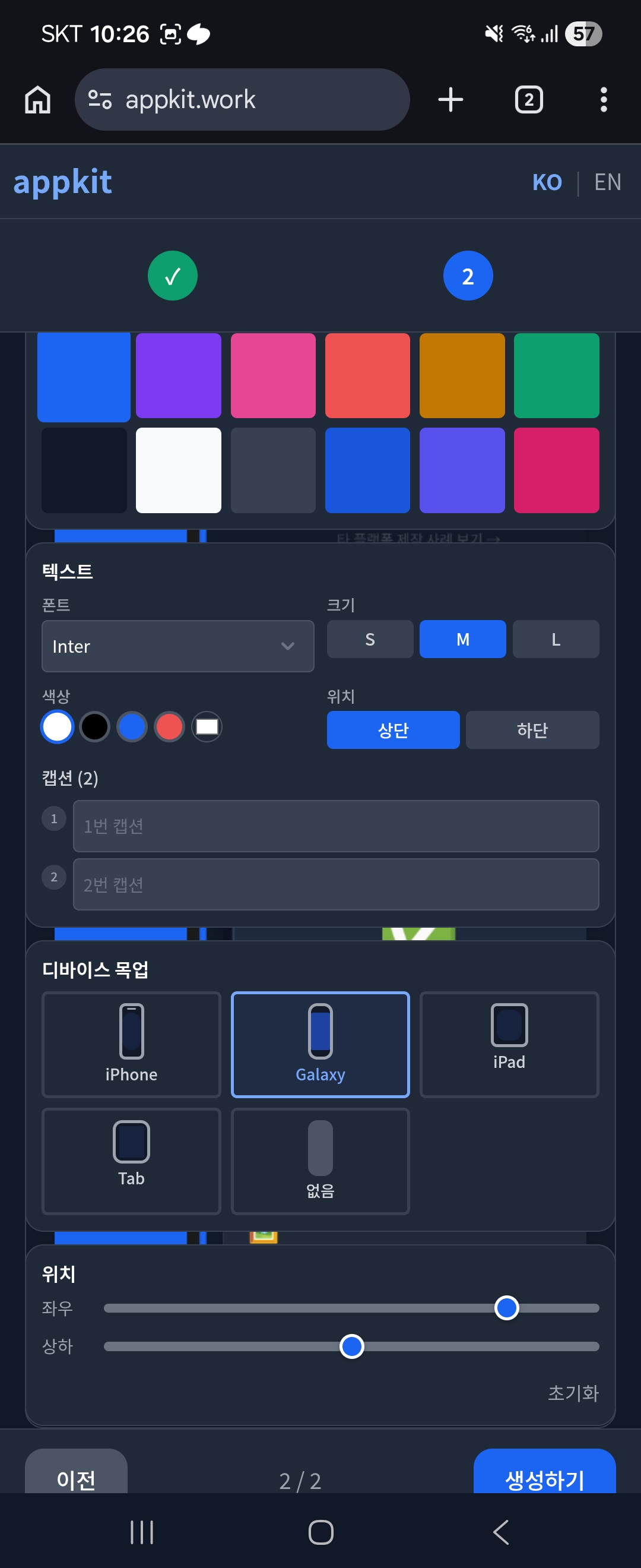
The numbers were getting better. But behind those numbers, Windows and mobile users were seeing a broken mess.
The cause was the design system
When you build through vibe coding, design consistency falls apart fast. I needed consistency, so I applied Apple's HIG (Human Interface Guidelines) as my design system.
On Mac, it was clean. But an Apple-based design system having issues on Windows and mobile? That's obvious.
I just never checked.
I use a Mac. I assumed it would work. That's what made it worse.
I added a feature to the editor too
While fixing the broken layouts, I added a feature to the editor.
Before, when you uploaded a screenshot, the position was locked. But looking at other apps' store screenshots, they weren't centered like appkit's were.
So I added sliders for horizontal and vertical positioning.
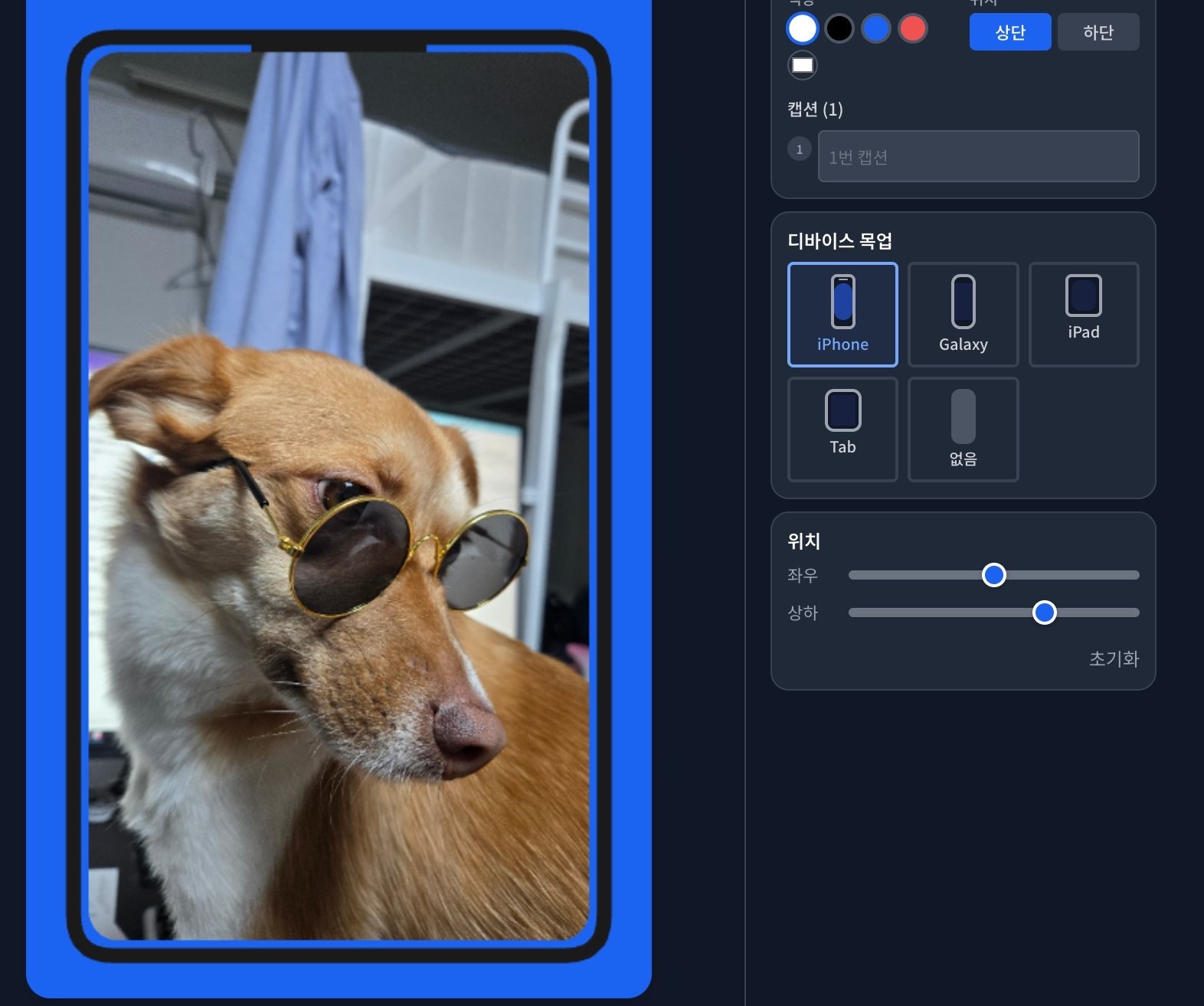
Adding real examples for users ended up pushing my own product forward.
What's easy to miss when building a service
You only check on your own setup and move on. You stop at "it works."
I've been in this industry for almost 10 years. I've always been careful. But this time, I made the exact same mistake.
I'm going to build many more services from here. So "it's done" can't be the finish line. Testing from the user's perspective, multiple times, has to become a habit.
Always watch out for bugs. If you checked it on Mac, open it on Windows too. And on your phone.
More from appkit
- I never tested on Windows. Obviously.2026-03-15
- Most users left without doing anything2026-03-14
- The app was done. The screenshots weren't.2026-03-14